Follow our step-by-step IPTV setup guide and start streaming in minutes. Compatible with Smart TVs, Firestick, Android, iOS, and more for a seamless viewing experience. Getting started with IBO Pro is simple — and we make it even easier for you.
IPTV SETUP GUIDE
👉Samsung & LG
- Turn on your Smart TV
- Open the App Store (Samsung Smart Hub / LG Content Store)
- Search for IBO Pro
- Install the app
- Open it and note your MAC Address & Device ID
- Send them to us
👉 Phone, Tablet & TV Box
- Open Google Play Store (or install APK)
- Search IBO Pro
- Install the app
- Launch it
- Copy your MAC Address & Device ID
- Send them to us
👉 iPhone & iPad
- Open the App Store
- Search IBO Pro
- Install the app
- Open it
- Copy your MAC Address & Device ID
- Send them to us
👉 Amazon Fire Stick & Fire TV
- Go to Settings > My Fire TV > Developer Options
- Enable Apps from Unknown Sources
- Install Downloader App
- Enter the downloader code 481220
- Install IBO Pro
- Open the app and send your MAC Address
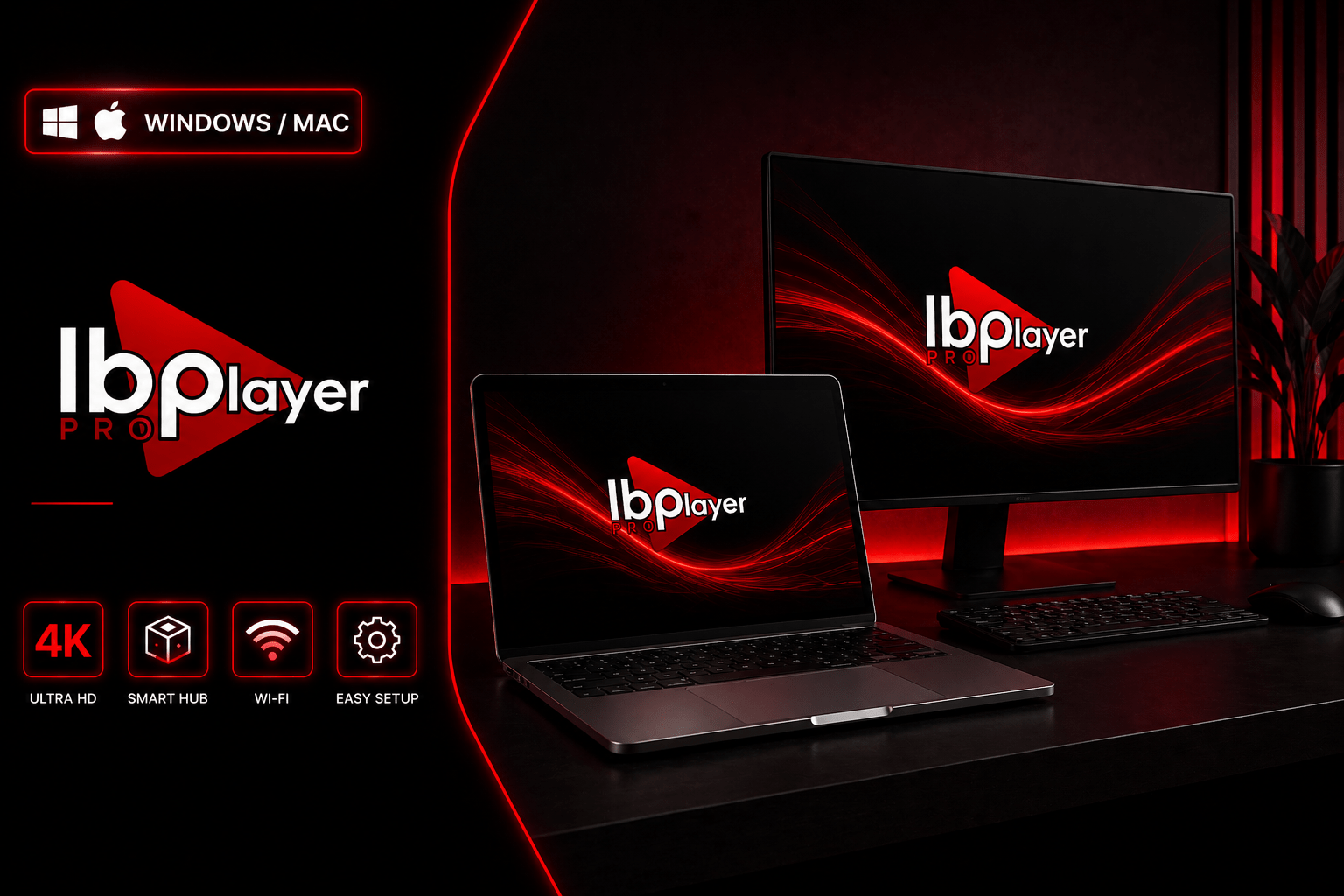
👉 Windows / Mac
- Install an Android emulator (Bluestacks recommended)
- Open Google Play inside it
- Install IBO Pro
- Launch the app
- Copy your MAC Address & Device ID
- Send them to us
Full Access for 7 Days – No Limits
Discover everything StreamLuxTV has to offer with a 7-day premium trial. Watch live sports, international TV, movies, and series with fast, stable streaming before subscribing.
Start Your Trial – Go Premium When Ready
Have questions about streaming, installation, or choosing the right plan? Our team is available 24/7 to assist you and get you started in minutes.
Instant replies — usually within 5 minutes